Check NVIDIA GPU in Fedora
To determine if an NVIDIA GPU is installed on your computer, execute the following command, which will display information about the graphics and 3D acceleration devices connected to your system.
lspci | grep -Ei 'VGA|3D'
Sample Output:
00:02.0 VGA compatible controller: Intel Corporation TigerLake-H GT1 [UHD Graphics] (rev 01) 01:00.0 VGA compatible controller: NVIDIA Corporation GA104M [GeForce RTX 3070 Mobile / Max-Q] (rev a1)
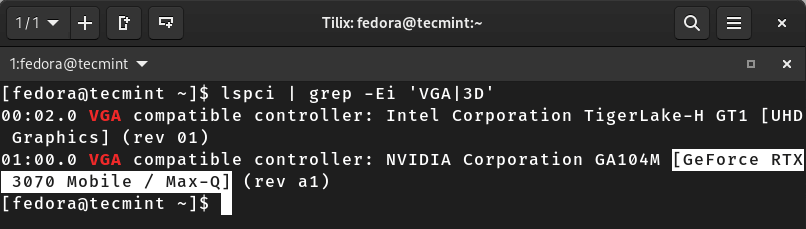
Check NVIDIA Card in Linux
For the proprietary/official NVIDIA GPU drivers to function properly, you must update all the pre-installed packages using the following dnf command.
sudo dnf update --refresh
Now that your system is up-to-date, you can install your NVIDIA drivers to get the best performance out of your GPU.
Method 1: Installing NVIDIA Drivers Using RPM Fusion in Fedora
RPM Fusion is a third-party repository that offers numerous Fedora packages that are not available in the official repositories, and one of these packages is NVIDIA Drivers.
Many users prefer the RPM Fusion Repository for installing NVIDIA drivers as it is a more hassle-free method. Moreover, it may not offer the most recent drivers, but it surely offers the latest drivers that are tested and supported by the Fedora community.
However, if you utilize the RPM Fusion repository for NVIDIA driver installation, they will automatically receive updates alongside your system.
Install Kernel Headers and Development Tools
To install NVIDIA Drivers via RPM Fusion, you need to first install kernel development tools and kernel headers required for NVIDIA driver installation by running the following command:
sudo dnf install kernel-devel kernel-headers gcc make dkms acpid libglvnd-glx libglvnd-opengl libglvnd-devel pkgconfig
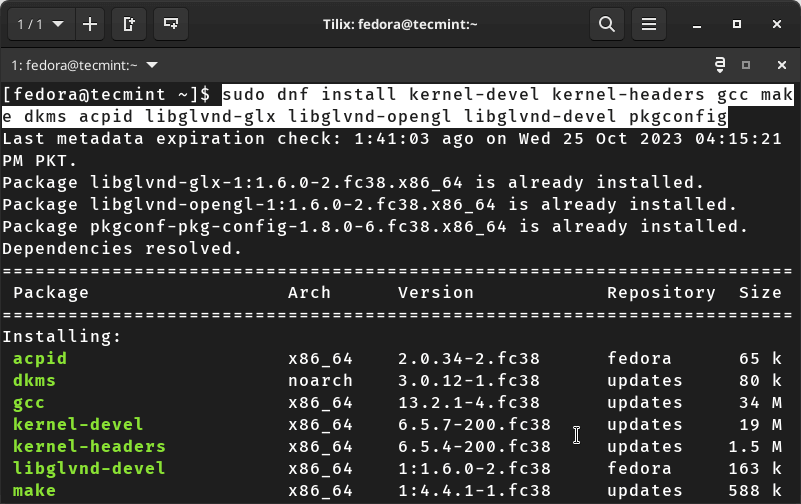
Installing Kernel Headers and Development Tools
Install RPM Fusion Repositories in Fedora
After installing the required tools, you must execute the commands given below to add free and non-free RPM Fusion repositories to your system.
sudo dnf install https://download1.rpmfusion.org/free/fedora/rpmfusion-free-release-$(rpm -E %fedora).noarch.rpm
sudo dnf install https://download1.rpmfusion.org/nonfree/fedora/rpmfusion-nonfree-release-$(rpm -E %fedora).noarch.rpm
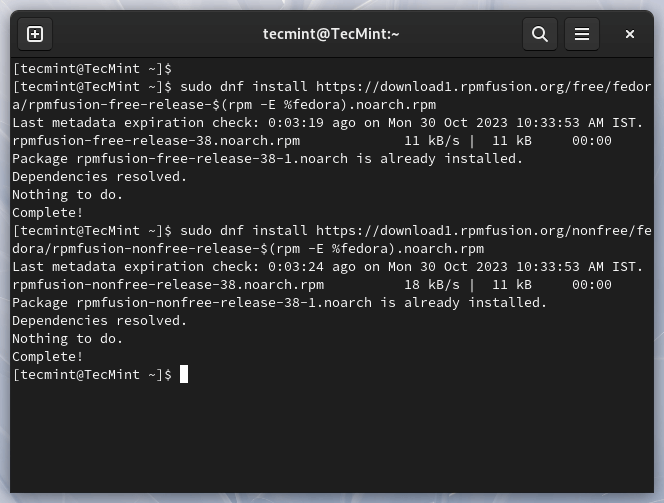
Install RPM Fusion in Fedora
Once the repositories are added, you must update the package repository cache by executing the following command.
sudo dnf makecache
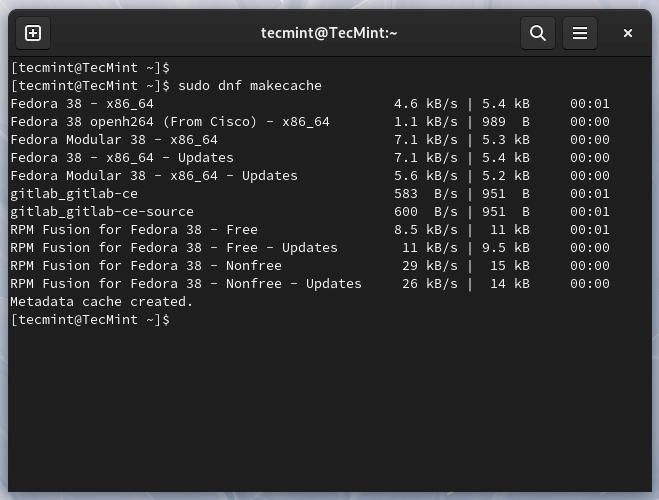
Update Dnf Package Repository
Install NVIDIA Driver and CUDA Support in Fedora
dh
- How to Install Nvidia Drivers on Fedora Linux # After updating the package repository, you can install NVIDIA drivers and CUDA toolkit for graphics-intensive tasks and GPU development using the command stated below.
sudo dnf install akmod-nvidia xorg-x11-drv-nvidia-cuda
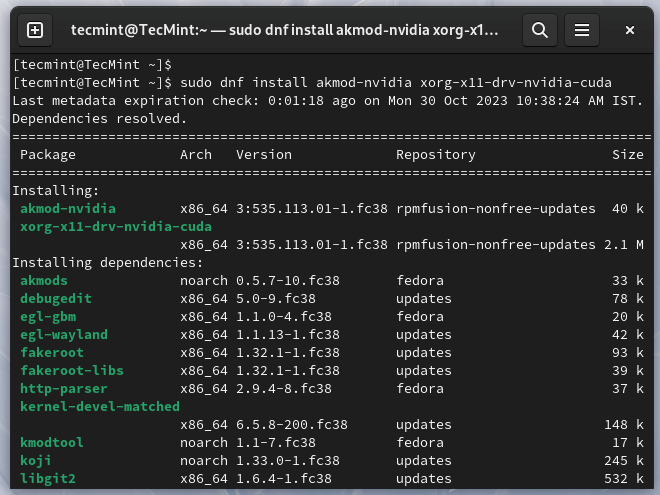
Install NVIDIA Driver and CUDA Toolkit
Finally, reboot your system to ensure that changes take place and auto-disable the Nouveau drivers so that you get to experience optimal performance for graphics-intensive tasks because of NVIDIA Drivers.