1. Register GitHub
2. Register Cloudflare or Netlify recommend Netlify
3. Visite quartz repository
4. Copy the quartz repository
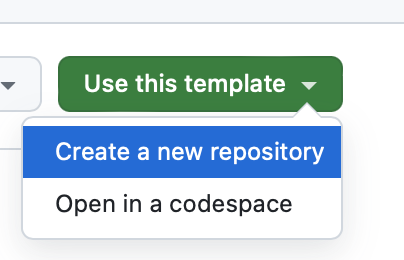
5-1 Cloudflare
1. Click “Websites” > “build an application with Workers & Pages?“
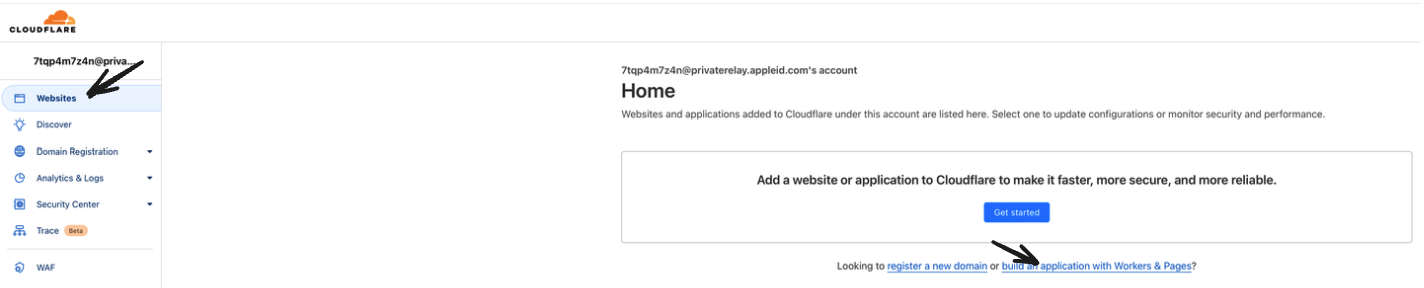
2. Create application
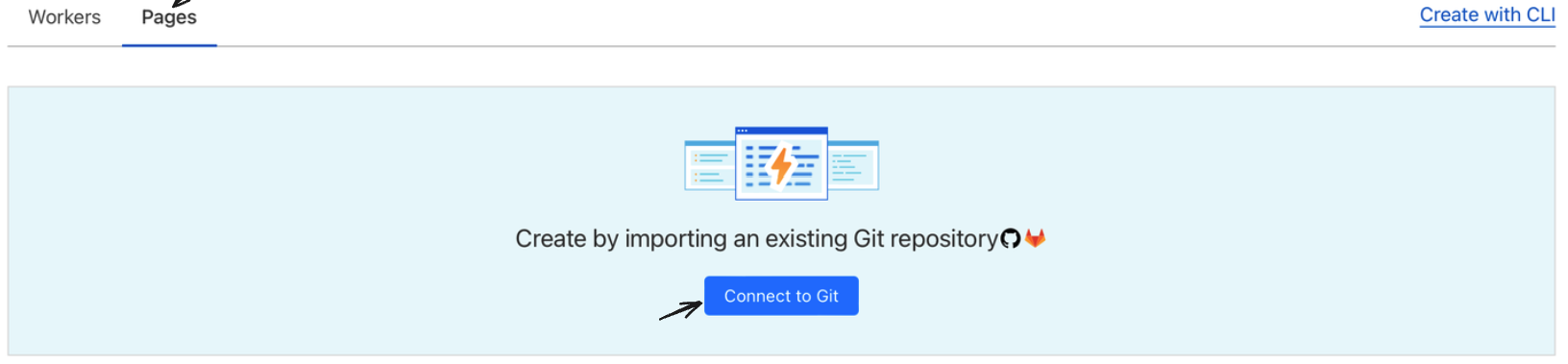
3. Select a quartz repository
4. Setting
- Project name becomes domain name like https://projectname.pages.dev
- Production branch: v4
- Build command: npx quartz build
- Build output directory: /public
5-2 Netlify
1. Click “Sites” > “Add new site” > “import an existing project”
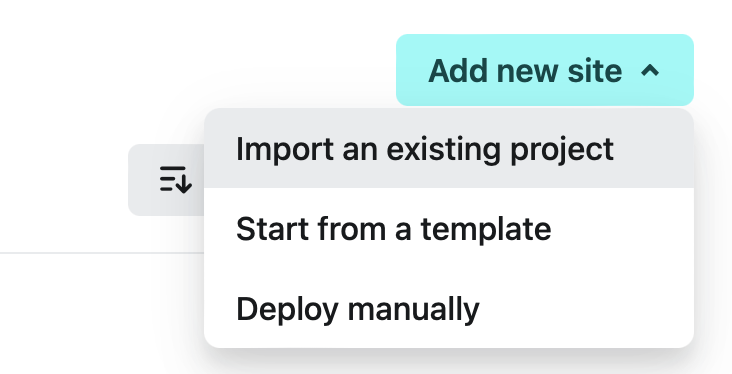
2. Click Deploy with GitHub

3. Select quartz repository
4. Setting
- Site name: become a domain like https://sitename.netlify.app/
- Branch to deploy: v4
- Build command: npx quartz build
- Publish directory: /public
5. Deploy quartz
6. Install Flowershow Obsidian plugin
7. In the plugin setting
fill the reponame(quartz), Username, GitHub token(you can get in link)
8. First, you have to make index.md in the top of the obsidian directory
9. Publishing index.md
In index.md, run command(command + p) “Flowershow: Publish single note”
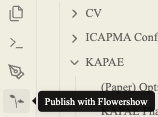
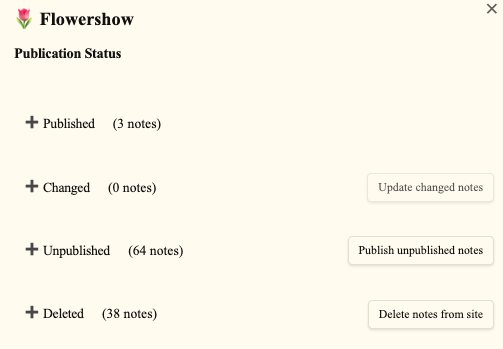
10. After publishing, you can change using the Flowershow icon